Close Menu
Marketingino.comMarketingino.com
    What's Hot

    The Best Business Side Hustles to Start in 2026

    14. 11. 2025

    Cash Flow Is King: How to Manage Money Without Killing Momentum

    14. 11. 2025

    Analyzing PPC Performance: Metrics That Matter for E-commerce Growth

    13. 11. 2025
    Facebook X (Twitter) Instagram
    Facebook Instagram LinkedIn YouTube Bluesky
    Marketingino.comMarketingino.com
    • Home
    • Entrepreneurship
      1. Business Models
      2. Side Hustles
      3. Small Business
      4. Venture Capital
      5. Sustainability & Impact
      6. Startups
      7. Legal & Compliance
      Featured
      Side Hustles

      The Best Business Side Hustles to Start in 2026

      14. 11. 2025
      Recent

      The Best Business Side Hustles to Start in 2026

      14. 11. 2025

      Cash Flow Is King: How to Manage Money Without Killing Momentum

      14. 11. 2025

      10 Low-Cost Side Hustles You Can Start with Zero Technical Skills

      9. 11. 2025
    • Marketing
      1. Marketing Strategy
      2. Social Media
      3. Branding
      4. Content Marketing
      5. SEO
      6. Growth Marketing
      7. Digital Marketing
      8. Data & Analytics
      9. Customer Experience
      10. Vocabulary
      Featured
      Growth Marketing

      Analyzing PPC Performance: Metrics That Matter for E-commerce Growth

      13. 11. 2025
      Recent

      Analyzing PPC Performance: Metrics That Matter for E-commerce Growth

      13. 11. 2025

      Top 10 UX Mistakes Online Store Owners Make—and How to Fix Them

      12. 11. 2025

      How ChatGPT Got 100 Million Users in 60 Days With Zero Ads (Marketing Strategy Revealed)

      10. 11. 2025
    • Leadership
      1. Coaching & Mentoring
      2. Conflict & Crisis Management
      3. Emotional Intelligence
      4. Executive Mindset
      5. Remote & Hybrid Teams
      6. Team Building
      7. Vision & Strategy
      Featured
      Conflict & Crisis Management

      10 Early Warning Signs That Preventing Burnout in Teams

      4. 11. 2025
      Recent

      10 Early Warning Signs That Preventing Burnout in Teams

      4. 11. 2025

      The Remote Leadership Lifestyle: Managing Global Teams from Anywhere

      3. 11. 2025

      Leadership Techniques for Managing Multigenerational Teams in Tech Companies

      27. 10. 2025
    • Ecommerce
      1. Conversion Optimization
      2. Cross-Border Ecommerce
      3. Customer Retention
      4. D2C & Brands
      5. Ecommerce Marketing
      6. Marketplaces
      7. Online Stores
      8. Payments & Logistics
      Featured
      Customer Retention

      How to Calculate—and Increase—Your Customer Lifetime Value Step by Step

      25. 10. 2025
      Recent

      How to Calculate—and Increase—Your Customer Lifetime Value Step by Step

      25. 10. 2025

      How to Optimize UX for Higher Conversions in Your WooCommerce Store

      15. 10. 2025

      How to Optimize Product Listings Across Amazon, eBay, Etsy, and Zalando

      7. 10. 2025
    • Life
      1. Business Stories
      2. Lifestyle
      3. Net Worth
      4. Travel
      Featured
      Lifestyle

      How to Build a Billion-Dollar Company Without Sacrificing Family

      30. 10. 2025
      Recent

      How to Build a Billion-Dollar Company Without Sacrificing Family

      30. 10. 2025

      How CEOs Build Thriving Businesses Without Sacrificing Life

      15. 10. 2025

      Is the Golem of Prague Real? Separating Legend from a Dan Brown-Inspired Reality

      22. 9. 2025
    Marketingino.comMarketingino.com
    Home»Marketing»Digital Marketing»Google Merchant Center: Optimizing Your Store for Google Shopping Ads
    Digital Marketing

    Google Merchant Center: Optimizing Your Store for Google Shopping Ads

    21. 8. 20245 Mins Read
    Facebook Twitter Pinterest LinkedIn Tumblr Email
    OpenAI
    Share
    Facebook Twitter LinkedIn Pinterest Email

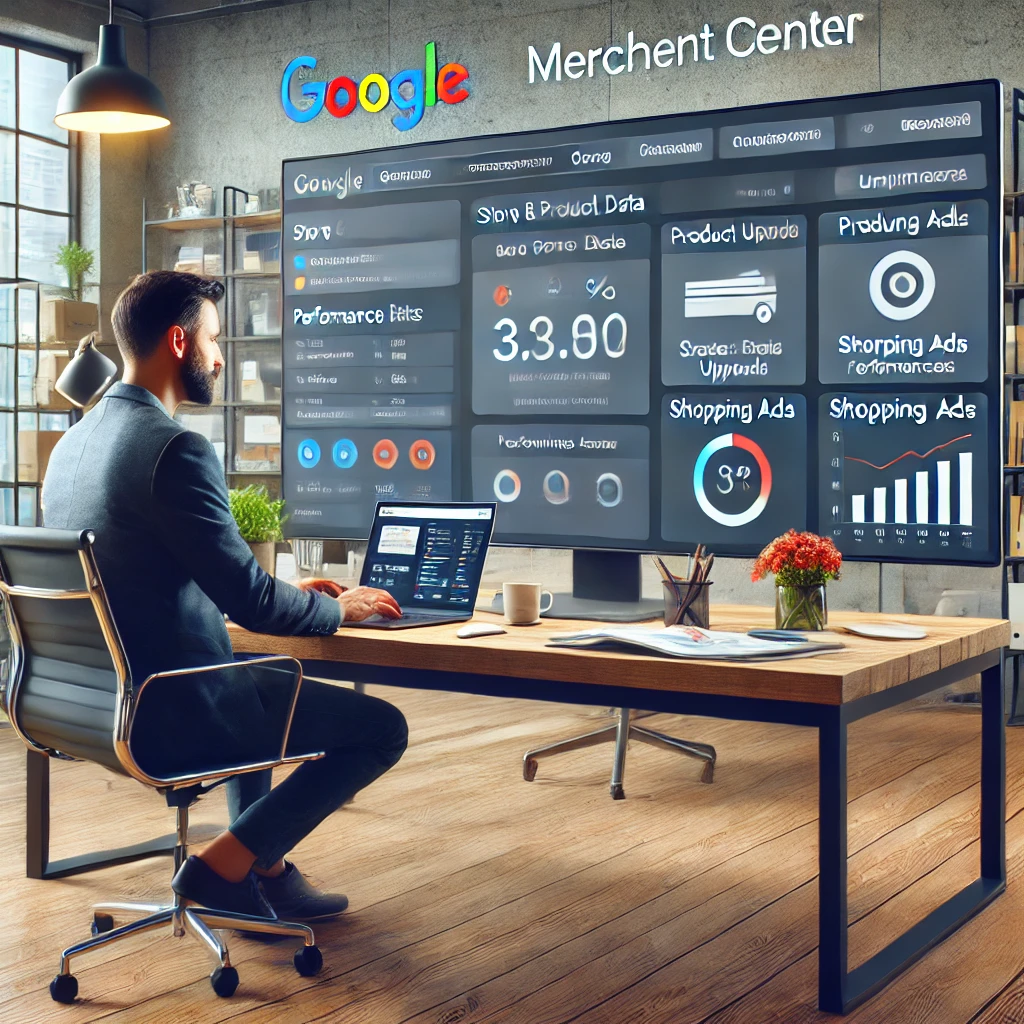
    Google Merchant Center is a powerful tool that allows advertisers to upload their store and product data directly to Google. This data is then used to create Shopping ads and to make products available across various Google services, including Google Search, Google Images, and YouTube. For e-commerce businesses, leveraging Google Merchant Center is essential for maximizing visibility and driving sales. This article explores the key features of Google Merchant Center, how it works, and best practices for optimizing your product data.

    1. What Is Google Merchant Center?

    Google Merchant Center is an online platform that allows businesses to manage the information about their products that appear in Google Shopping, Google Search, and other Google services. By uploading detailed product data, such as titles, descriptions, prices, and images, businesses can create rich Shopping ads that appear when users search for relevant products.

    Why It Matters:

    • Increased Visibility: Products listed through Google Merchant Center are eligible to appear in Shopping ads, increasing their visibility to potential customers.
    • Integrated Marketing: The platform integrates with Google Ads, enabling businesses to manage their advertising campaigns and product data in one place.

    2. Key Features of Google Merchant Center

    Google Merchant Center offers a range of features designed to help businesses effectively manage and promote their products:

    • Product Data Feed: The core of Google Merchant Center is the product data feed, which contains all the information about the products you want to advertise. This includes details like product titles, descriptions, images, prices, and availability.
    • Shopping Ads Management: Through integration with Google Ads, businesses can create and manage Shopping campaigns, setting bids and budgets for different products or product categories.
    • Performance Insights: The platform provides detailed performance metrics, such as clicks, impressions, and conversion rates, allowing businesses to analyze how their products are performing in Shopping ads and across other Google services.
    • Automatic Updates: Google Merchant Center can automatically update product information based on changes in your online store, ensuring that ads always display the most accurate data.

    Why It Matters:

    • Efficiency: Centralized management of product data and ads simplifies the process of running Shopping campaigns.
    • Accuracy: Automatic updates reduce the risk of displaying outdated or incorrect product information, which can negatively impact customer trust and sales.

    3. How to Use Google Merchant Center

    Getting started with Google Merchant Center involves several steps:

    • Create a Merchant Center Account: Sign up for a Google Merchant Center account and link it to your Google Ads account.
    • Upload Your Product Data: Prepare your product data feed by organizing all necessary information into a structured file format (such as CSV or XML) and upload it to the Merchant Center. You can also set up automated feeds that pull data directly from your e-commerce platform.
    • Optimize Your Product Listings: Use clear and descriptive product titles, high-quality images, and detailed descriptions to make your listings as appealing as possible. Ensure that your product data complies with Google’s guidelines to avoid disapproval of your listings.
    • Set Up Shopping Campaigns: In Google Ads, create Shopping campaigns to promote your products. Use the Merchant Center data to segment your products into groups, set bids, and allocate budgets accordingly.
    • Monitor and Adjust: Regularly review the performance of your Shopping ads through the Merchant Center dashboard. Use the insights provided to adjust your bids, optimize your product listings, and improve overall campaign performance.

    Why It Matters:

    • Visibility and Sales: Properly set up and optimized product listings are more likely to appear in relevant search queries, driving traffic and sales.
    • Cost Efficiency: Monitoring performance metrics allows you to optimize your campaigns, ensuring that you get the best return on investment (ROI) for your ad spend.

    4. Best Practices for Google Merchant Center

    To maximize the effectiveness of Google Merchant Center, consider the following best practices:

    • Maintain High-Quality Data: Ensure that your product data is accurate, up-to-date, and detailed. This includes using high-resolution images and providing all necessary attributes, such as size, color, and brand.
    • Comply with Google’s Policies: Familiarize yourself with Google’s policies and ensure that your products meet the required standards. Non-compliance can result in disapproved ads or account suspension.
    • Optimize Product Titles and Descriptions: Use relevant keywords in your product titles and descriptions to improve the chances of your products appearing in relevant searches.
    • Use Custom Labels: Utilize custom labels in your product data feed to segment your products based on attributes like seasonality, promotions, or profit margins, allowing for more targeted bidding strategies.

    Why It Matters:

    • Enhanced Ad Performance: High-quality, well-optimized product data leads to better ad performance, higher click-through rates, and increased conversions.
    • Compliance: Adhering to Google’s policies ensures that your products remain eligible for Shopping ads, avoiding disruptions to your campaigns.

    Google Merchant Center is an essential tool for any business looking to succeed in the competitive world of online retail. By effectively managing and optimizing your product data, you can ensure that your products are prominently displayed in Google Shopping ads and other Google services, driving more traffic to your store and increasing sales. With the right strategy and attention to detail, Google Merchant Center can be a powerful asset in your digital marketing toolkit, helping you reach more customers and grow your business.

    Share. Facebook Twitter Pinterest LinkedIn Tumblr Email

    Related Posts

    Why Your Small Business Email Marketing Campaigns Aren’t Converting and How to Fix Them

    25. 10. 2025

    Retargeting 101: How to Bring Back Visitors Who Didn’t Convert (Yet)

    10. 10. 2025

    The Complete Guide to Writing PPC Ad Copy That Actually Converts for Ecommerce

    20. 9. 2025

    Staying Ahead of the Curve: Adapting to Google’s Latest Algorithm Updates

    17. 7. 2025
    Add A Comment
    Leave A Reply Cancel Reply

    Trending

    The Best Business Side Hustles to Start in 2026

    14. 11. 2025

    Cash Flow Is King: How to Manage Money Without Killing Momentum

    14. 11. 2025

    Analyzing PPC Performance: Metrics That Matter for E-commerce Growth

    13. 11. 2025

    Top 10 UX Mistakes Online Store Owners Make—and How to Fix Them

    12. 11. 2025

    How ChatGPT Got 100 Million Users in 60 Days With Zero Ads (Marketing Strategy Revealed)

    10. 11. 2025

    10 Low-Cost Side Hustles You Can Start with Zero Technical Skills

    9. 11. 2025
    About Us

    Marketingino is a modern business magazine for founders, marketers, e-commerce leaders, and innovators who are building what’s next.

    We cover the tools, tactics, and stories driving today’s most ambitious ventures—from early-stage startups to scaling e-shops, from breakthrough marketing strategies to the frontier of AI and automation.

    Email Us: info@marketingino.com

    Marketingino.com
    Facebook Instagram LinkedIn YouTube Bluesky
    • Home
    • Privacy Policy
    • Cookie Policy (EU)
    • Disclaimer
    © 2025 Marketingino.com, © 2025 Vision Projects, s. r. o.

    Type above and press Enter to search. Press Esc to cancel.

    Manage Consent
    To provide the best experiences, we use technologies like cookies to store and/or access device information. Consenting to these technologies will allow us to process data such as browsing behavior or unique IDs on this site. Not consenting or withdrawing consent, may adversely affect certain features and functions.
    Functional Always active
    The technical storage or access is strictly necessary for the legitimate purpose of enabling the use of a specific service explicitly requested by the subscriber or user, or for the sole purpose of carrying out the transmission of a communication over an electronic communications network.
    Preferences
    The technical storage or access is necessary for the legitimate purpose of storing preferences that are not requested by the subscriber or user.
    Statistics
    The technical storage or access that is used exclusively for statistical purposes. The technical storage or access that is used exclusively for anonymous statistical purposes. Without a subpoena, voluntary compliance on the part of your Internet Service Provider, or additional records from a third party, information stored or retrieved for this purpose alone cannot usually be used to identify you.
    Marketing
    The technical storage or access is required to create user profiles to send advertising, or to track the user on a website or across several websites for similar marketing purposes.
    • Manage options
    • Manage services
    • Manage {vendor_count} vendors
    • Read more about these purposes
    View preferences
    • {title}
    • {title}
    • {title}