Close Menu
Marketingino.comMarketingino.com
    What's Hot

    The Best Business Side Hustles to Start in 2026

    14. 11. 2025

    Cash Flow Is King: How to Manage Money Without Killing Momentum

    14. 11. 2025

    Analyzing PPC Performance: Metrics That Matter for E-commerce Growth

    13. 11. 2025
    Facebook X (Twitter) Instagram
    Facebook Instagram LinkedIn YouTube Bluesky
    Marketingino.comMarketingino.com
    • Home
    • Entrepreneurship
      1. Business Models
      2. Side Hustles
      3. Small Business
      4. Venture Capital
      5. Sustainability & Impact
      6. Startups
      7. Legal & Compliance
      Featured
      Side Hustles

      The Best Business Side Hustles to Start in 2026

      14. 11. 2025
      Recent

      The Best Business Side Hustles to Start in 2026

      14. 11. 2025

      Cash Flow Is King: How to Manage Money Without Killing Momentum

      14. 11. 2025

      10 Low-Cost Side Hustles You Can Start with Zero Technical Skills

      9. 11. 2025
    • Marketing
      1. Marketing Strategy
      2. Social Media
      3. Branding
      4. Content Marketing
      5. SEO
      6. Growth Marketing
      7. Digital Marketing
      8. Data & Analytics
      9. Customer Experience
      10. Vocabulary
      Featured
      Growth Marketing

      Analyzing PPC Performance: Metrics That Matter for E-commerce Growth

      13. 11. 2025
      Recent

      Analyzing PPC Performance: Metrics That Matter for E-commerce Growth

      13. 11. 2025

      Top 10 UX Mistakes Online Store Owners Make—and How to Fix Them

      12. 11. 2025

      How ChatGPT Got 100 Million Users in 60 Days With Zero Ads (Marketing Strategy Revealed)

      10. 11. 2025
    • Leadership
      1. Coaching & Mentoring
      2. Conflict & Crisis Management
      3. Emotional Intelligence
      4. Executive Mindset
      5. Remote & Hybrid Teams
      6. Team Building
      7. Vision & Strategy
      Featured
      Conflict & Crisis Management

      10 Early Warning Signs That Preventing Burnout in Teams

      4. 11. 2025
      Recent

      10 Early Warning Signs That Preventing Burnout in Teams

      4. 11. 2025

      The Remote Leadership Lifestyle: Managing Global Teams from Anywhere

      3. 11. 2025

      Leadership Techniques for Managing Multigenerational Teams in Tech Companies

      27. 10. 2025
    • Ecommerce
      1. Conversion Optimization
      2. Cross-Border Ecommerce
      3. Customer Retention
      4. D2C & Brands
      5. Ecommerce Marketing
      6. Marketplaces
      7. Online Stores
      8. Payments & Logistics
      Featured
      Customer Retention

      How to Calculate—and Increase—Your Customer Lifetime Value Step by Step

      25. 10. 2025
      Recent

      How to Calculate—and Increase—Your Customer Lifetime Value Step by Step

      25. 10. 2025

      How to Optimize UX for Higher Conversions in Your WooCommerce Store

      15. 10. 2025

      How to Optimize Product Listings Across Amazon, eBay, Etsy, and Zalando

      7. 10. 2025
    • Life
      1. Business Stories
      2. Lifestyle
      3. Net Worth
      4. Travel
      Featured
      Lifestyle

      How to Build a Billion-Dollar Company Without Sacrificing Family

      30. 10. 2025
      Recent

      How to Build a Billion-Dollar Company Without Sacrificing Family

      30. 10. 2025

      How CEOs Build Thriving Businesses Without Sacrificing Life

      15. 10. 2025

      Is the Golem of Prague Real? Separating Legend from a Dan Brown-Inspired Reality

      22. 9. 2025
    Marketingino.comMarketingino.com
    Home»Vocabulary»How to understand Vertical Column Chart
    Vocabulary

    How to understand Vertical Column Chart

    16. 11. 20246 Mins Read
    Facebook Twitter Pinterest LinkedIn Tumblr Email
    DALL·E
    Share
    Facebook Twitter LinkedIn Pinterest Email

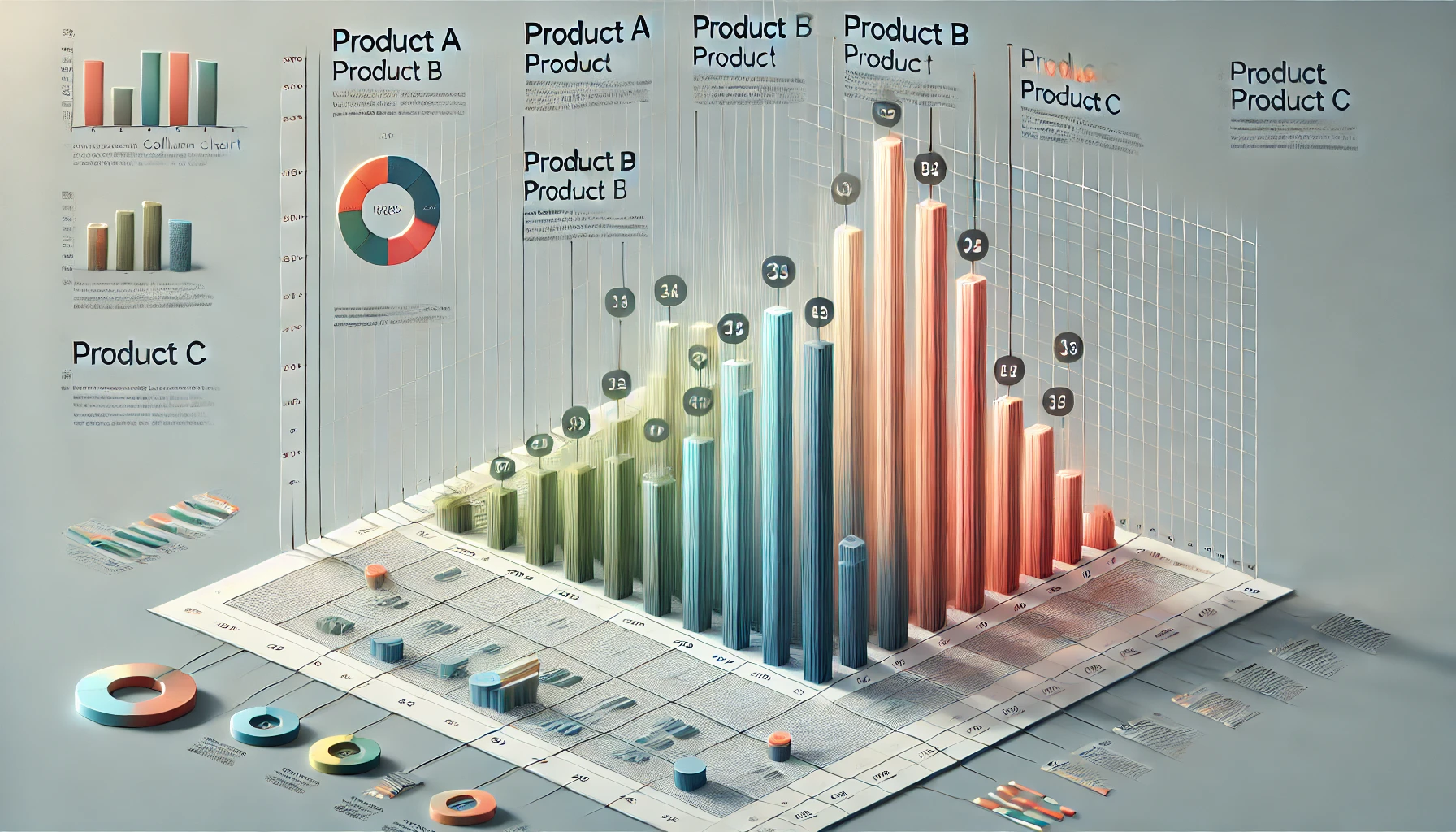
    A vertical column chart is a widely used type of bar chart in data visualization, where each data point or category is represented as a vertical column (or bar) extending from a baseline, typically the x-axis. This type of chart is effective for comparing individual values across categories, visualizing trends over time, or highlighting differences between data points. Vertical column charts are versatile and clear, making them suitable for business reports, presentations, and dashboards to communicate quantitative insights in an accessible manner.

    Structure and Components of a Vertical Column Chart

    A vertical column chart consists of several key components:

    1. X-Axis (Horizontal Axis): This typically represents the different categories, time intervals, or individual data points being compared. Each column is aligned along this axis and labeled according to its category.
    2. Y-Axis (Vertical Axis): The y-axis represents the measurement or value associated with each category. The height of each column is proportional to its value on the y-axis, allowing for straightforward visual comparison.
    3. Columns (Bars): Each data point is represented as a column, with height corresponding to the value. Columns should have consistent widths and spacing between them for readability.
    4. Labels and Titles: Labels for the x-axis and y-axis help clarify what each column represents, while a chart title provides context for the viewer, explaining the purpose or subject of the chart.
    5. Legend (Optional): When multiple datasets are represented in the same chart (e.g., grouped or stacked columns), a legend is included to differentiate between data series.

    Types of Vertical Column Charts

    Vertical column charts come in several variations, each serving different visualization needs:

    1. Simple Vertical Column Chart:
      • The most basic form, where each category has one column.
      • Ideal for direct comparisons of single values across categories.
    2. Grouped Column Chart:
      • Multiple columns are grouped for each category, allowing comparison of multiple data series within each category.
      • Useful for comparing values across multiple dimensions, such as sales data for different product types across various regions.
    3. Stacked Column Chart:
      • Columns for each category are stacked vertically, with each segment representing part of the total value.
      • This type is used to show the breakdown of a total value by component, while still highlighting the overall total for each category.
    4. 100% Stacked Column Chart:
      • Similar to a stacked column chart, but each column height is normalized to 100%, showing the proportion each segment contributes to the whole.
      • Useful for comparing percentage contributions across categories.
    5. Column Chart with Trend Line:
      • A trend line overlays a vertical column chart, providing insight into the data’s trend or overall direction over time.
      • Commonly used in financial and sales reports to show the performance and growth trajectory.

    When to Use a Vertical Column Chart

    Vertical column charts are suitable for scenarios where the goal is to:

    • Compare Values Across Categories: A vertical column chart effectively shows variations between individual categories. For example, it’s ideal for comparing sales performance across products, revenue across quarters, or survey responses across demographic groups.
    • Highlight Positive or Negative Values: When visualizing data that includes positive and negative values, vertical column charts allow for easy identification of highs and lows. Columns extending above or below the baseline provide a clear visual contrast.
    • Display Data Over Time: Although typically used for categorical data, vertical column charts can also display trends over time if the time intervals are short (e.g., months or quarters), as the columns make it easy to spot upward or downward trends.

    Benefits of Vertical Column Charts

    • Clear Comparisons: The aligned columns make it easy to compare individual measurements across categories at a glance.
    • Easily Scalable: Vertical column charts can accommodate various datasets, from simple single-series data to more complex grouped or stacked versions.
    • Visually Intuitive: The height of each column clearly indicates the relative magnitude of each value, making the chart accessible to viewers with minimal data interpretation skills.
    • Flexible Design Options: Columns can be customized with colors, shading, and data labels to fit different aesthetic preferences and emphasize specific data points.

    Best Practices for Creating Vertical Column Charts

    To ensure vertical column charts are effective and readable, keep the following best practices in mind:

    1. Limit Categories for Readability: Avoid overcrowding the x-axis with too many categories, as this can make the chart difficult to read. For large datasets, consider grouping categories or using filters.
    2. Maintain Consistent Column Widths and Spacing: Consistent column width and spacing ensure visual harmony and make comparisons easier.
    3. Use a Zero Baseline: Starting the y-axis at zero prevents visual distortion of data, ensuring the columns accurately represent value proportions.
    4. Label Data Clearly: Use axis labels, titles, and data labels when appropriate to clarify the information and avoid misinterpretation.
    5. Choose Contrasting Colors for Multiple Series: When using a grouped or stacked column chart, use colors that contrast well to differentiate between data series easily.
    6. Consider Data Ordering: For ease of interpretation, order the columns meaningfully (e.g., chronologically for time data or by value for ranked data).

    Example Scenarios for Vertical Column Charts

    1. Sales by Product Category: A retail business can use a vertical column chart to compare the sales of different product categories over a specified period, quickly identifying top-performing products.
    2. Monthly Revenue Comparison: A business tracking monthly revenue can use this chart to visualize monthly earnings and assess performance over the year.
    3. Survey Responses by Demographic Group: A survey analysis may use vertical column charts to show responses across various demographic groups (e.g., age groups, locations), aiding in understanding different audience segments.
    4. Website Traffic by Device Type: A digital marketer might display website traffic by device (desktop, mobile, tablet) using a grouped vertical column chart to analyze usage patterns and target optimizations effectively.
    5. Employee Satisfaction Ratings Across Departments: An organization measuring employee satisfaction can use vertical column charts to compare scores across departments, pinpointing areas needing improvement.

    Vertical column charts are a fundamental visualization tool that offers a clear, straightforward way to present comparative data. With their intuitive design and flexibility, vertical column charts are an excellent choice for various data types and audiences. When used effectively, they provide valuable insights into patterns, performance, and relationships within data, enabling better decision-making and communication of key findings.

    Share. Facebook Twitter Pinterest LinkedIn Tumblr Email

    Related Posts

    What is “Autonomous Campaigns”?

    29. 5. 2025

    What is “Prompt Engineering”?

    29. 5. 2025

    What is “Ethical AI Marketing”?

    29. 5. 2025

    What are “Synthetic Data”?

    29. 5. 2025
    Add A Comment
    Leave A Reply Cancel Reply

    Trending

    The Best Business Side Hustles to Start in 2026

    14. 11. 2025

    Cash Flow Is King: How to Manage Money Without Killing Momentum

    14. 11. 2025

    Analyzing PPC Performance: Metrics That Matter for E-commerce Growth

    13. 11. 2025

    Top 10 UX Mistakes Online Store Owners Make—and How to Fix Them

    12. 11. 2025

    How ChatGPT Got 100 Million Users in 60 Days With Zero Ads (Marketing Strategy Revealed)

    10. 11. 2025

    10 Low-Cost Side Hustles You Can Start with Zero Technical Skills

    9. 11. 2025
    About Us

    Marketingino is a modern business magazine for founders, marketers, e-commerce leaders, and innovators who are building what’s next.

    We cover the tools, tactics, and stories driving today’s most ambitious ventures—from early-stage startups to scaling e-shops, from breakthrough marketing strategies to the frontier of AI and automation.

    Email Us: info@marketingino.com

    Marketingino.com
    Facebook Instagram LinkedIn YouTube Bluesky
    • Home
    • Privacy Policy
    • Cookie Policy (EU)
    • Disclaimer
    © 2025 Marketingino.com, © 2025 Vision Projects, s. r. o.

    Type above and press Enter to search. Press Esc to cancel.

    Manage Consent
    To provide the best experiences, we use technologies like cookies to store and/or access device information. Consenting to these technologies will allow us to process data such as browsing behavior or unique IDs on this site. Not consenting or withdrawing consent, may adversely affect certain features and functions.
    Functional Always active
    The technical storage or access is strictly necessary for the legitimate purpose of enabling the use of a specific service explicitly requested by the subscriber or user, or for the sole purpose of carrying out the transmission of a communication over an electronic communications network.
    Preferences
    The technical storage or access is necessary for the legitimate purpose of storing preferences that are not requested by the subscriber or user.
    Statistics
    The technical storage or access that is used exclusively for statistical purposes. The technical storage or access that is used exclusively for anonymous statistical purposes. Without a subpoena, voluntary compliance on the part of your Internet Service Provider, or additional records from a third party, information stored or retrieved for this purpose alone cannot usually be used to identify you.
    Marketing
    The technical storage or access is required to create user profiles to send advertising, or to track the user on a website or across several websites for similar marketing purposes.
    • Manage options
    • Manage services
    • Manage {vendor_count} vendors
    • Read more about these purposes
    View preferences
    • {title}
    • {title}
    • {title}