


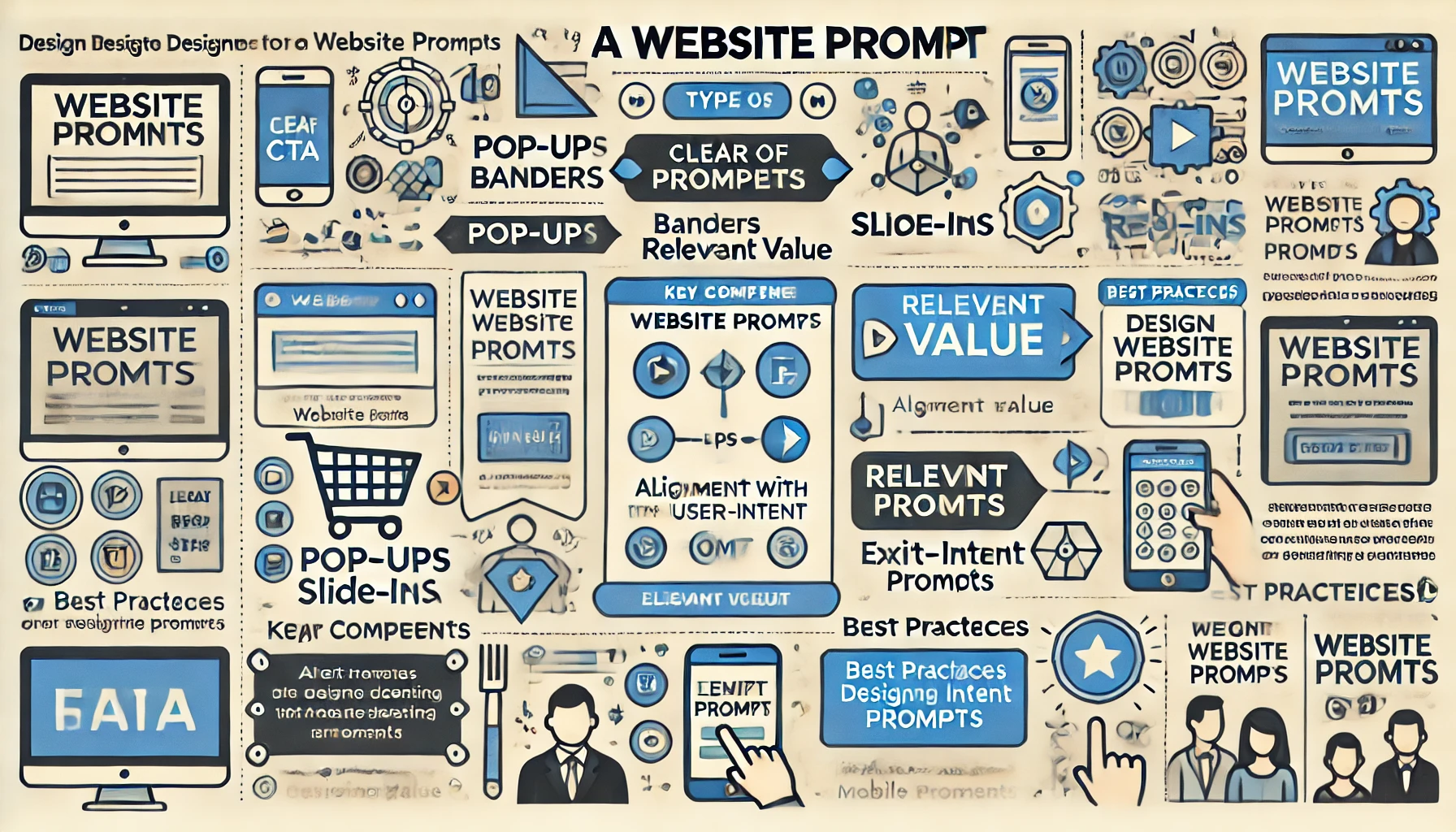
A website prompt is a digital banner or pop-up that appears on a webpage, urging visitors to take a specific action. Website prompts are designed to capture user attention and guide them toward important interactions or steps, such as signing up for a newsletter, downloading content, making a purchase, or participating in a survey. These prompts play a critical role in user engagement and conversion optimization, creating a clear pathway for visitors to interact with the website.
By strategically placing prompts on a website, businesses can drive user engagement, highlight essential information, and increase conversions. An effective website prompt is visually appealing, provides a clear value, and is well-timed to catch visitors when they are most likely to engage.
Types of Website Prompts
Website prompts come in various forms, each suited for specific actions and user journeys:
- Pop-Up Prompts:
- Pop-ups are small windows that overlay the main content. They appear based on certain triggers, such as when a user first lands on a page, after a certain time, or as the user attempts to exit.
- Example: A pop-up inviting users to sign up for a newsletter in exchange for a discount on their first purchase.
- Banner Prompts:
- These appear as banners at the top, bottom, or side of the screen. Unlike pop-ups, banners do not obstruct the main content and allow users to browse the page without closing them.
- Example: A banner at the top of a retail site announcing a limited-time sale with a link to shop the collection.
- Slide-In Prompts:
- Slide-in prompts appear from the side or bottom of the page, often sliding in after a set amount of time or when the user scrolls down.
- Example: A slide-in that appears as the user scrolls, encouraging them to explore related blog content.
- Exit-Intent Prompts:
- These prompts appear when the system detects that a user is about to leave the page. This tactic is commonly used to retain visitors and encourage last-minute actions, such as completing a purchase.
- Example: An exit-intent prompt offering a discount or free shipping if the user finishes their purchase.
- Full-Screen Prompts:
- These take up the entire screen and often appear as soon as the user lands on the page or reaches a certain point in their session. Full-screen prompts are highly engaging but should be used sparingly to avoid overwhelming the visitor.
- Example: A full-screen welcome prompt encouraging new users to explore the latest features or register an account.
- Interactive Prompts:
- Interactive prompts engage users by offering options such as surveys, quizzes, or clickable choices. This approach is popular for gathering feedback and personalizing user journeys.
- Example: A prompt asking users to choose their interests to tailor content recommendations.
Key Components of an Effective Website Prompt
For a website prompt to be effective, it must contain several key elements that encourage action without overwhelming the visitor:
- Clear Call-to-Action (CTA): The CTA should be concise, compelling, and directive, making it clear what the user should do next. Examples include “Subscribe Now,” “Get Your Discount,” or “Learn More.”
- Relevant Value Proposition: Visitors are more likely to engage with a prompt if it offers something valuable, such as a discount, a free trial, or exclusive content. The value should be relevant to the visitor’s needs and immediate interests.
- Minimalism and Visual Appeal: A visually clean and appealing design ensures that the prompt captures attention without feeling intrusive. The layout should prioritize the CTA and message, keeping distractions to a minimum.
- Timing and Triggers: Effective prompts appear at the right moment. Common triggers include page load, time on page, scroll depth, or exit intent. Timing is crucial to prevent prompts from disrupting the visitor’s journey.
- Exit or Close Option: Allowing users to easily close the prompt respects their autonomy and prevents frustration. A clear “X” or “No, Thanks” option is essential.
- Mobile Optimization: Prompts should be optimized for mobile devices to ensure they appear correctly and don’t obstruct navigation on smaller screens.
Best Practices for Designing Website Prompts
- Align with User Intent: Match the prompt to the user’s stage in their journey. For instance, a prompt encouraging sign-ups for new visitors or upselling additional products for returning customers.
- Use Personalization: Personalizing prompts based on user data, such as location, browsing behavior, or past purchases, can make them more relevant and effective.
- Limit Frequency: Avoid bombarding users with multiple prompts during a single session. Overuse can lead to prompt fatigue and may discourage visitors from staying on the site.
- A/B Test Prompt Variations: Testing different headlines, CTAs, and designs can help identify which prompt versions perform best, optimizing the approach for maximum conversions.
- Monitor Engagement Metrics: Track metrics like click-through rate (CTR), conversion rate, and bounce rate to assess prompt performance. If prompts lead to high bounce rates, they may need adjustments.
- Experiment with Prompt Placement: Test different prompt placements, such as top bars, bottom bars, or exit-intent pop-ups, to find the least intrusive yet effective positions for engagement.
Benefits of Using Website Prompts
- Increased Conversions: Well-timed prompts can guide users toward desired actions, like signing up for a newsletter or completing a purchase, increasing conversion rates.
- Enhanced User Engagement: Prompts encourage users to interact with the site, explore additional content, or participate in events, boosting engagement.
- Improved Lead Generation: For businesses, prompts are an effective tool for capturing email addresses and other lead information, helping expand customer databases.
- Reduced Cart Abandonment: Exit-intent prompts offering discounts or free shipping can remind users to complete purchases, reducing cart abandonment rates.
- Gathering Feedback and Insights: Prompts can be used to gather feedback, such as asking visitors about their preferences, which helps improve the overall user experience and content personalization.
Common Mistakes to Avoid in Website Prompts
- Overuse of Prompts: Too many prompts can overwhelm users, lead to frustration, and cause higher bounce rates. Use prompts sparingly to avoid disrupting the user experience.
- Poorly Timed Prompts: Prompts that appear too soon or too late may miss the optimal moment for engagement. Experiment with timing to find the right balance.
- Intrusive or Full-Screen Prompts on Entry: Full-screen prompts can be effective, but they should be used thoughtfully. Immediate full-screen prompts upon page entry can drive users away if they don’t align with user expectations.
- Irrelevant CTAs: Prompts with vague or irrelevant calls-to-action may be ignored by users. Ensure that each prompt offers a clear and relevant value proposition.
- Lack of Clear Exit Option: Failing to include an easy way to close the prompt can frustrate visitors, leading them to exit the site altogether. Always provide a visible close option.
Example Scenarios for Website Prompt Usage
- E-Commerce Cart Abandonment: An exit-intent pop-up offering a 10% discount or free shipping encourages users to complete their purchases, reducing cart abandonment rates.
- Content Marketing Engagement: A slide-in prompt on a blog post inviting readers to subscribe to the newsletter for similar content helps capture leads interested in future articles.
- Promoting New Features: A SaaS company could use a banner prompt to inform users of a new feature, providing a “Learn More” link to direct them to additional information.
- Seasonal or Limited-Time Offers: A banner prompt at the top of a retail website announcing a holiday sale creates urgency and directs users to shop the sale items.
- Survey or Feedback Request: After a user spends a certain amount of time on a page, a slide-in prompt asking for feedback helps gather valuable insights for improving the site experience.
Website prompts are powerful tools for guiding user actions, boosting engagement, and driving conversions. By crafting clear, well-timed, and visually appealing prompts that align with user intent, businesses can effectively communicate key messages and prompt actions that support business goals. Whether used to encourage sign-ups, promote new products, or gather feedback, website prompts can significantly enhance the user experience and improve website performance when executed thoughtfully and strategically.