


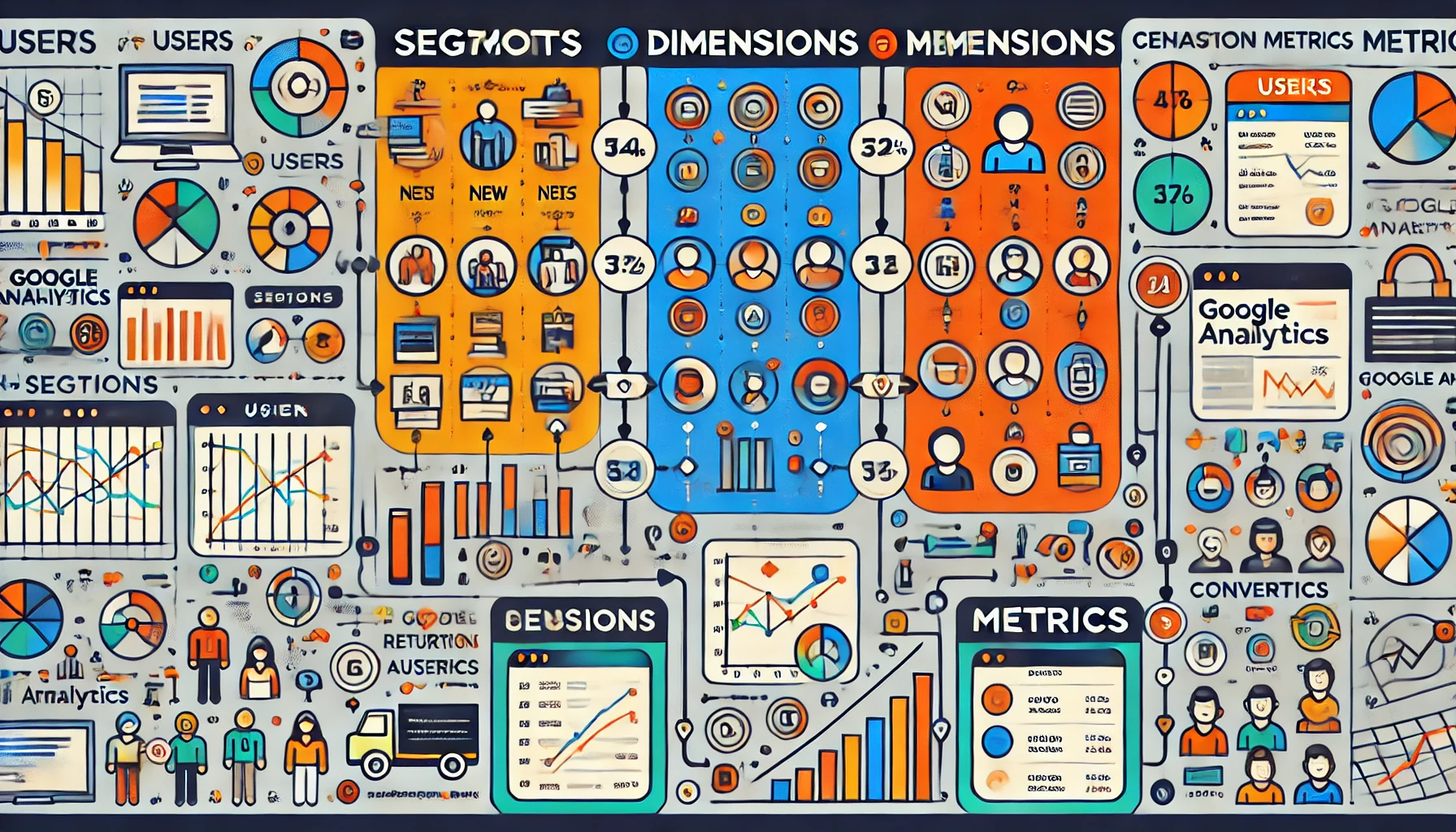
In Google Analytics, variables play a fundamental role in understanding and analyzing website and app performance. Variables encompass segments, dimensions, and metrics, each of which contributes distinct data points and insights into user behavior, engagement, and overall performance metrics. By configuring these variables, marketers, analysts, and data-driven teams can access, categorize, and interpret valuable information to guide business strategies and improve user experiences.
1. Segments: Isolating Specific Data Subsets
Segments in Google Analytics allow users to filter and isolate subsets of data. They are used to apply conditions that create focused views of the entire dataset, enabling comparisons across different user groups or behaviors without affecting the core data. For instance, you can use segments to view data only for new users, returning users, users from a specific region, or users who completed a specific goal.
Types of Segments
- User Segments: These represent individual user behaviors across multiple sessions. User segments are useful for understanding long-term behavior, such as loyalty or repeat purchases.
- Session Segments: These track behavior within individual sessions rather than across multiple ones. This segmentation can analyze short-term behaviors, like interactions within a single visit.
- Event Segments: Event segments focus on specific user actions (such as clicking a button or downloading content) and provide insights into user engagement and feature use.
Benefits of Using Segments
- Enhanced Audience Analysis: Segments make it easier to target groups of users with similar characteristics and understand differences between them.
- Refined Reporting: By narrowing the dataset, you can filter out noise and focus on data relevant to specific marketing efforts or goals.
- Behavior Comparison: Segments allow side-by-side comparison, helping teams quickly see which campaigns, regions, or user types are most engaged.
2. Dimensions: Qualitative Characteristics of Data
Dimensions in Google Analytics provide qualitative data attributes that describe various aspects of user interactions. Dimensions are the ‘labels’ or ‘descriptors’ of your data; they provide context to metrics, allowing for data breakdowns by various categories.
Types of Dimensions
- Default Dimensions: These come built-in within Google Analytics, covering general user demographics (e.g., age, location), source/medium (where users came from), and behavior (e.g., page path, landing page).
- Custom Dimensions: Custom dimensions are tailored to unique business needs and enable tracking of data points specific to the business. For example, a custom dimension could track logged-in users or categorize users based on membership levels.
Examples of Dimensions
- Geographic Dimensions: Metrics broken down by location, such as city, country, or region, are essential for localized marketing strategies.
- Technology Dimensions: These describe the type of device, browser, or operating system users use, guiding technical optimizations and compatibility considerations.
- Behavioral Dimensions: These capture user actions and include dimensions like session duration, landing page, and bounce rate.
How Dimensions are Applied
- Primary and Secondary Dimensions: When viewing a report, you can apply a primary dimension (e.g., country) and a secondary dimension (e.g., device) to view the data in a two-level breakdown. This is particularly useful for multidimensional analysis, such as understanding how users from a particular country behave on mobile versus desktop.
3. Metrics: Quantitative Measurements
Metrics in Google Analytics are quantitative values associated with dimensions that help measure performance. They provide numerical data, allowing analysts to assess and evaluate the success of different aspects of a website or app.
Types of Metrics
- Basic Metrics: Common metrics include session count, user count, bounce rate, and conversion rate. These fundamental measures give an overview of general user behavior and performance.
- Calculated Metrics: These are custom metrics derived from existing ones, created to suit unique business KPIs. An example is “Revenue per User,” which divides total revenue by the number of users for a clearer insight into average user value.
Key Metrics Examples
- Engagement Metrics: Metrics like page views, average session duration, and bounce rate show how engaged users are with the content.
- Conversion Metrics: Metrics such as goal completions, e-commerce transactions, and conversion rate focus on desired outcomes, such as sales, sign-ups, or specific goal completions.
- Traffic Metrics: Source/medium metrics track where users come from, enabling campaign and acquisition channel analysis.
Why Metrics Matter
- Quantifiable Results: Metrics provide concrete numbers, making it possible to measure progress and success objectively.
- Goal Tracking: By using metrics in goals and funnels, businesses can track their performance against set objectives, adjusting strategies accordingly.
- KPI Monitoring: Businesses can select key metrics that matter most to their success and monitor them regularly, focusing on growth or improvement areas.
How Variables Work Together in Google Analytics
- Dimensions and Metrics Pairing: Dimensions and metrics are often paired together to provide a fuller picture. For example, pairing “Location” (dimension) with “Sessions” (metric) shows how many sessions originated from each geographic location.
- Segments with Dimensions and Metrics: Applying segments to specific dimensions and metrics allows for an even more refined view. For instance, analyzing bounce rate (metric) among new visitors (segment) on mobile (dimension) yields insights that inform content and user experience optimizations.
Example Scenario: Improving Site Conversion
Suppose a business wants to improve its website’s conversion rate. Using Google Analytics, they might:
- Apply a segment for mobile users to see if the mobile site experience is causing lower conversions.
- Use dimensions like “Landing Page” to identify which pages new users are landing on most frequently.
- Analyze metrics such as bounce rate, average session duration, and goal completions on these landing pages to understand user behavior better.
By combining these elements, the business gains specific, actionable insights to improve site performance.
Advanced Applications of Variables in Google Analytics
Advanced analytics users often create custom reports and dashboards using combinations of segments, dimensions, and metrics to focus on business-specific KPIs.
- Custom Reports – Customized reports leverage chosen dimensions, metrics, and segments, enabling teams to focus only on the information pertinent to their goals.
- Data Studio Dashboards – Using tools like Google Data Studio, analysts can create interactive dashboards that dynamically display segmented data with key dimensions and metrics for stakeholders.
- Goal and Funnel Analysis – Setting up goals in Google Analytics allows businesses to use specific metrics and dimensions to track conversions through multi-step processes, identifying areas where users may drop off.
Segments, dimensions, and metrics are foundational to Google Analytics, each offering a different perspective on website and app data. When used effectively, these variables provide deep insights, from understanding user demographics and behavior to identifying which marketing channels drive conversions. Advanced use of segments, custom dimensions, and metrics enhances data analysis capabilities, guiding better data-driven decisions and optimizing performance across various digital platforms.